Upload Your Graphs
You can make graphs with a different library, a different model, or your own transcoders, and then upload them to Neuronpedia. Uploaded graphs have the same tools as generated graphs: subgraphs, supernodes, feature details, and sharing.
Examples of uploaded graphs:
- A GPT2-Small graph from Goodfire
- A Gelu-4L graph from EleutherAI
Step 1: Validate Your Graph
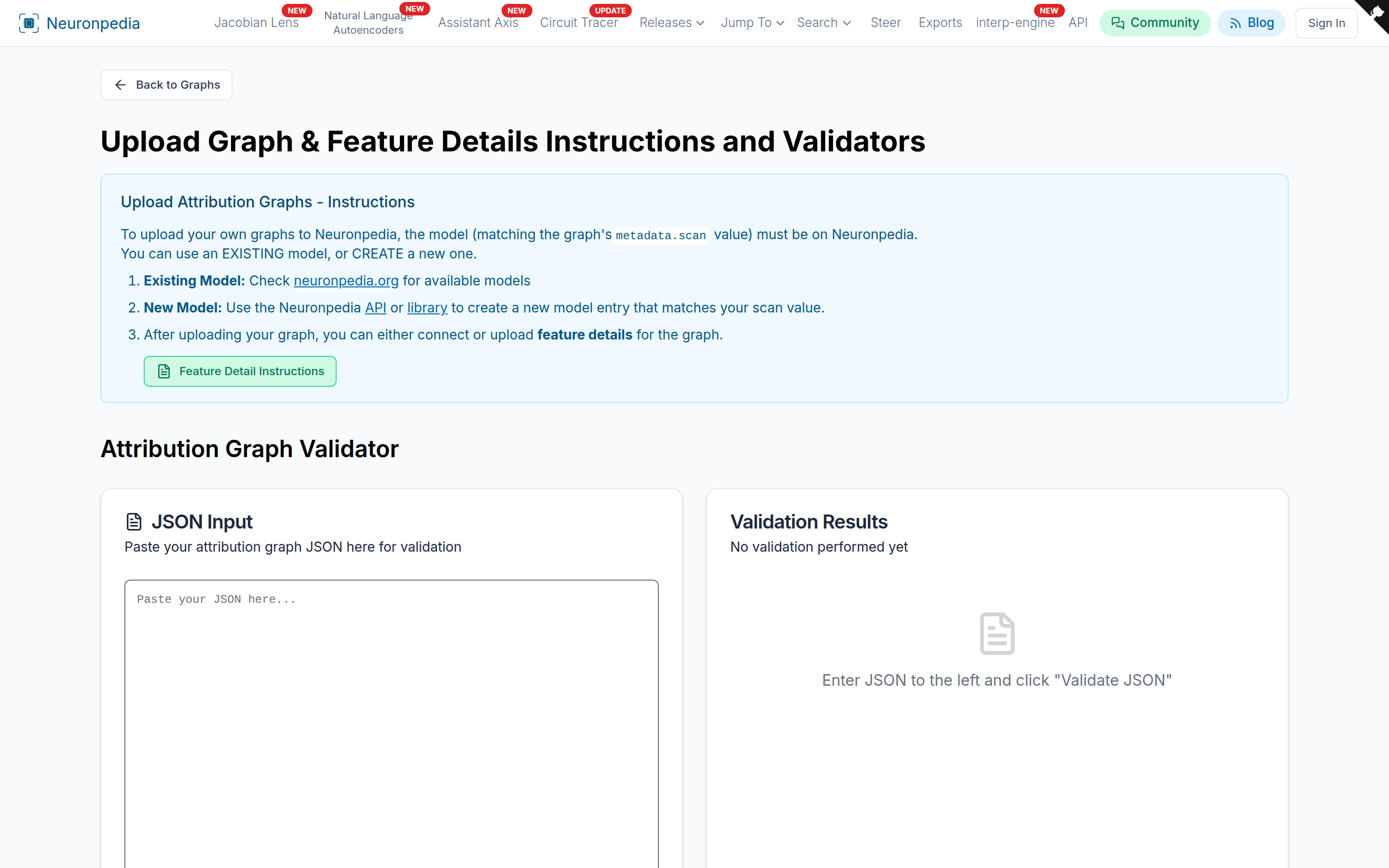
Neuronpedia needs graph files in a specific JSON format. This format is based on Anthropic's original format.
Paste your graph JSON into the Graph Validator. It shows errors, missing fields, and optional fields that you can add.
Step 2: Upload
Use one of these:
- Python notebook (recommended)
- API
You need a Neuronpedia account and an API key.
Featured Graphs
The public dropdown on the graph page shows featured graphs, such as the ones from the circuit-tracer repository and from Anthropic's papers. If you want us to feature your graph, contact us.
Tools That Read Neuronpedia Graphs
Other tools can read graphs in the Neuronpedia format. For example, circuit-motifs runs network motif analysis on any Neuronpedia graph.