Jacobian Lens
The Jacobian Lens (J-lens) shows the concepts that a model "holds in mind" at each token. Gurnee et al. argue that models have a global workspace, in what they call the Jacobian space, or J-space. A J-lens is "fitted" for each model, and it reads the J-space as a list of tokens.
Start here: https://neuronpedia.org/jlens
Learn more: Paper | Anthropic post | GitHub | Pre-fitted lenses on HuggingFace
Models
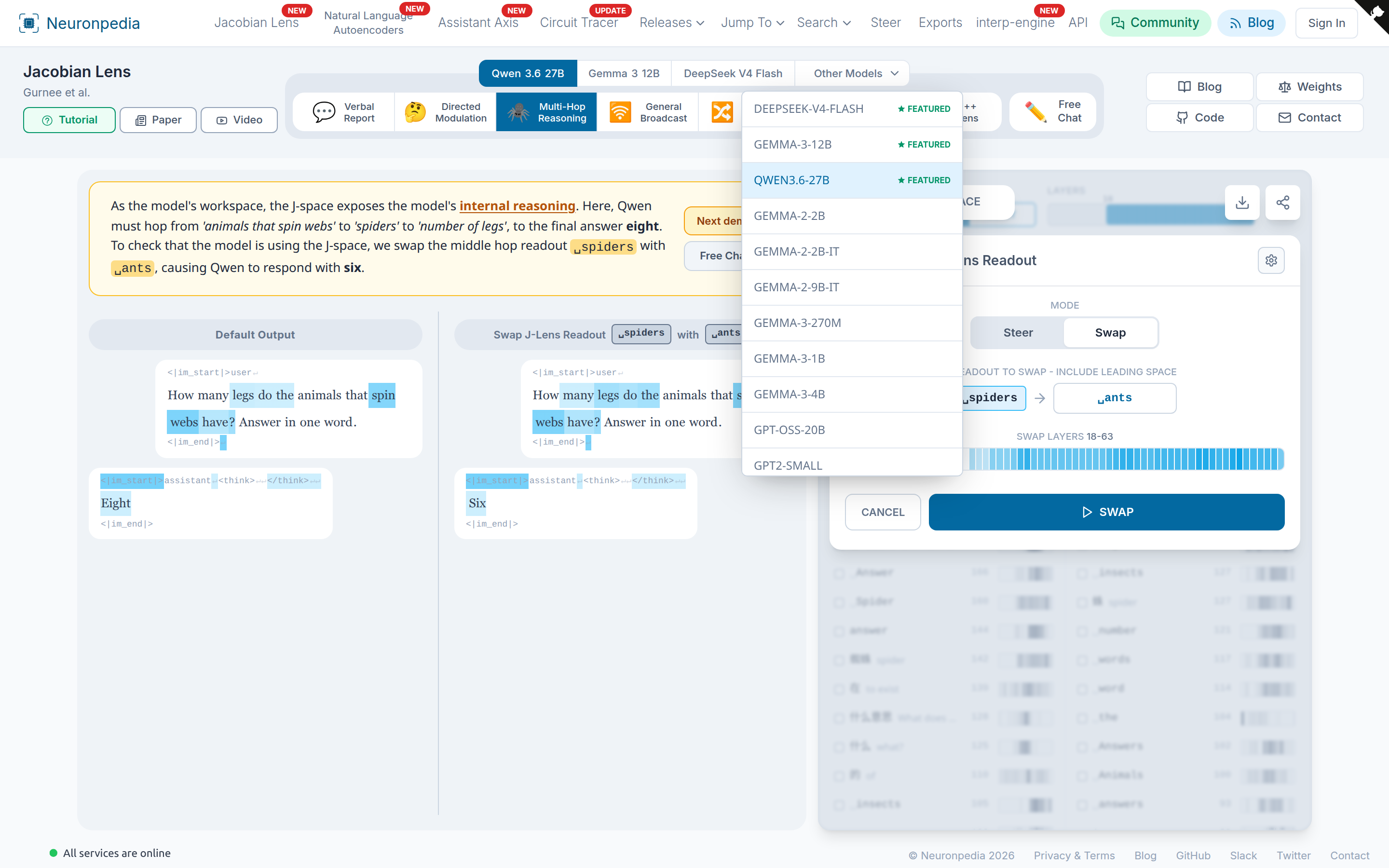
The top of the page has tabs for Qwen 3.6 27B, Gemma 3 12B, and DeepSeek V4 Flash. More models from the Gemma, Llama, GPT-OSS, and Qwen families are in the Other Models dropdown. You can also go directly to neuronpedia.org/[MODEL_ID]/jlens.
Demos
Each demo shows one result from the paper. Read the yellow box at the top of a demo for an explanation, then click Next demo.
| Demo | What it shows |
|---|---|
| Verbal Report | What is in the J-space is what the model says. Swap tennis with rugby, and the model's sport changes. |
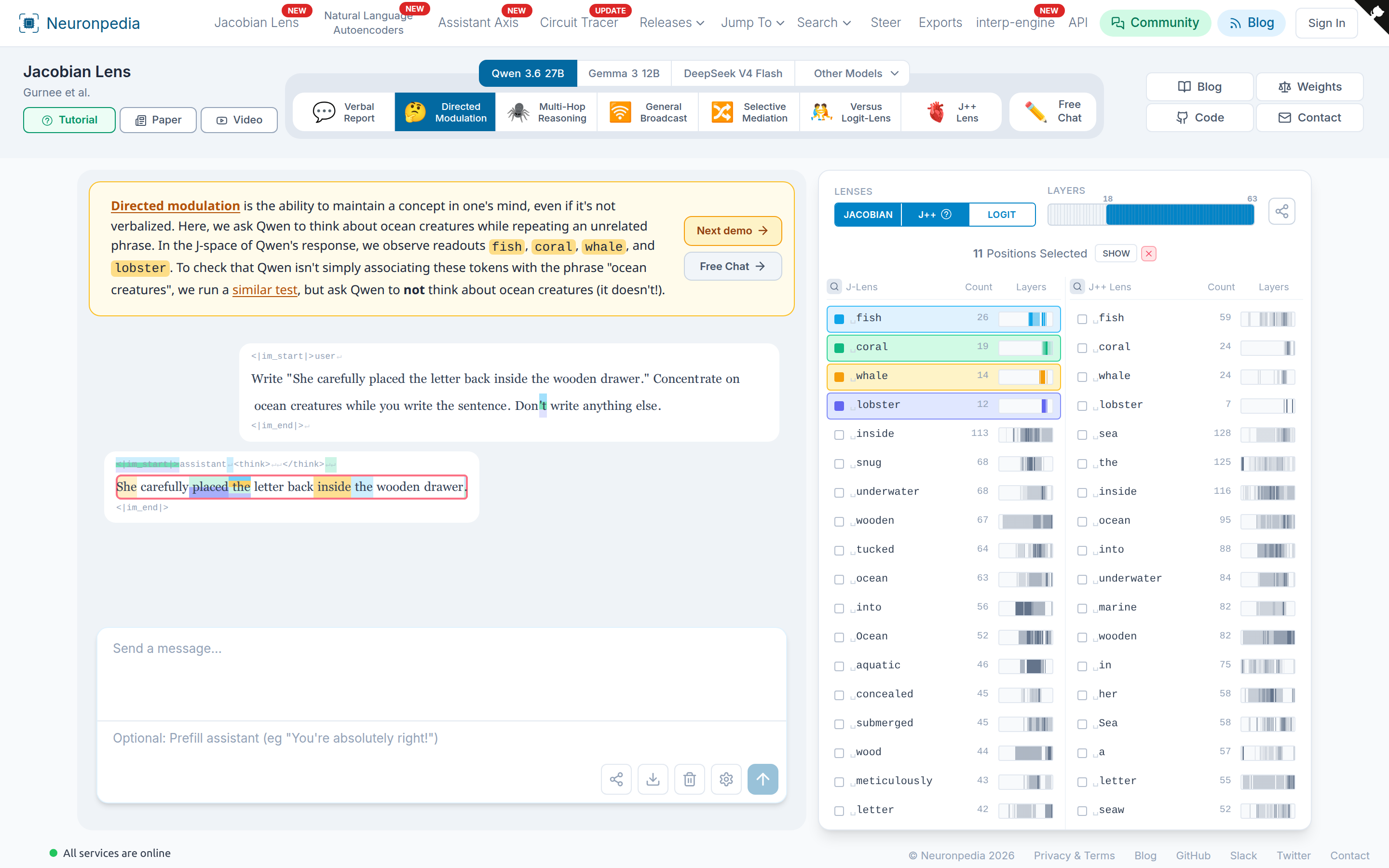
| Directed Modulation | The model can keep a concept in mind without saying it. Asked to think about ocean creatures while it writes about a drawer, the J-space shows fish, coral, and whale. |
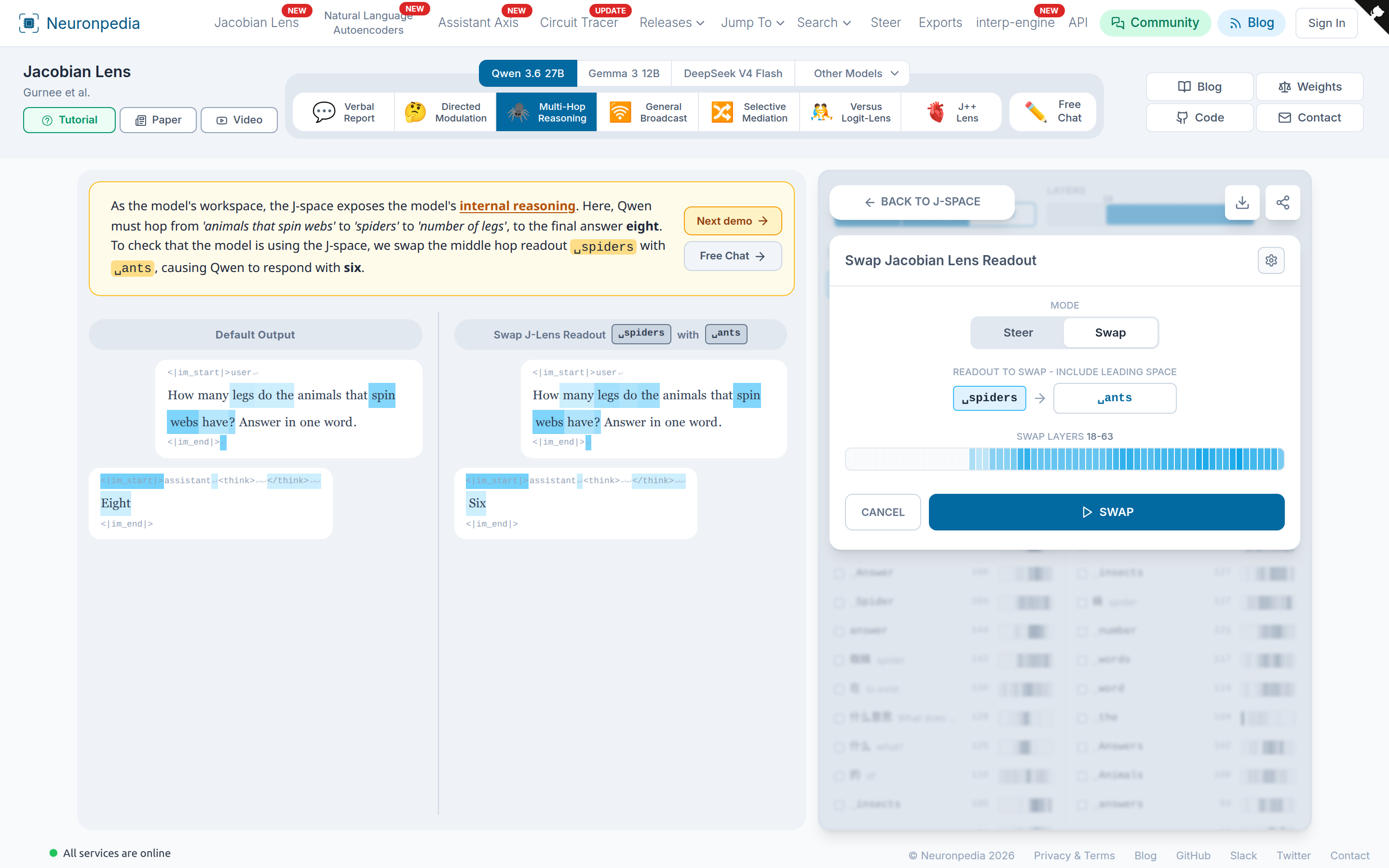
| Multi-Hop Reasoning | The middle step of a reasoning chain is in the J-space. Swap spiders with ants, and "eight legs" becomes "six". |
| General Broadcast | A concept in the J-space goes to all later steps. Swap France with China, and the capital, language, continent, and currency all change. |
| Selective Mediation | The J-space is not used for all tasks. In an anomaly detection task, swapping French with Spanish has no effect. |
| Versus Logit-Lens | The J-lens finds concepts that the logit lens misses, like toxic and poison. |
| J++ Lens | An improved lens that is better on early layers. See J++ Lens. |
Click Tutorial at the top left for a guided tour. Select Free Chat to use your own messages.
Read the J-Space
- Send a message, or open a demo.
- Select tokens in the chat. Click a token, or drag over many tokens. The number of selected tokens shows as Positions Selected.
- The right panel lists the top readouts for the selected tokens:
- Count - How many times the readout shows up in the selected tokens and layers.
- Layers - A small chart of the layers where the readout shows up.
- Click a readout to highlight it. The chat colors each token where that readout shows up.
- Hover over a token in the chat to see its readouts at each layer. Click a layer to lock it.
Controls at the top of the right panel:
- Lenses - Select Jacobian, J++, or Logit. You can show more than one at a time, side by side.
- Layers - Drag the slider to use only some layers. By default the J-lens skips about the first 1/3 of layers, because it is not reliable there.
Steer and Swap
You can change the J-space and see how the model's answer changes. Hover over a readout (in the right panel or in the token popup), then click Steer or Swap.
- Swap - Replace one readout with another token. Type the new token, including a leading space (for example,
␣ants). Then select the layers and click Swap. - Steer - Add a readout (positive strength) or remove it (negative strength). Ablate removes the readout's direction completely.
The output shows the default answer and the changed answer side by side.
Tip: For small models, swaps can "oversteer". Select fewer layers to fix this.
J++ Lens
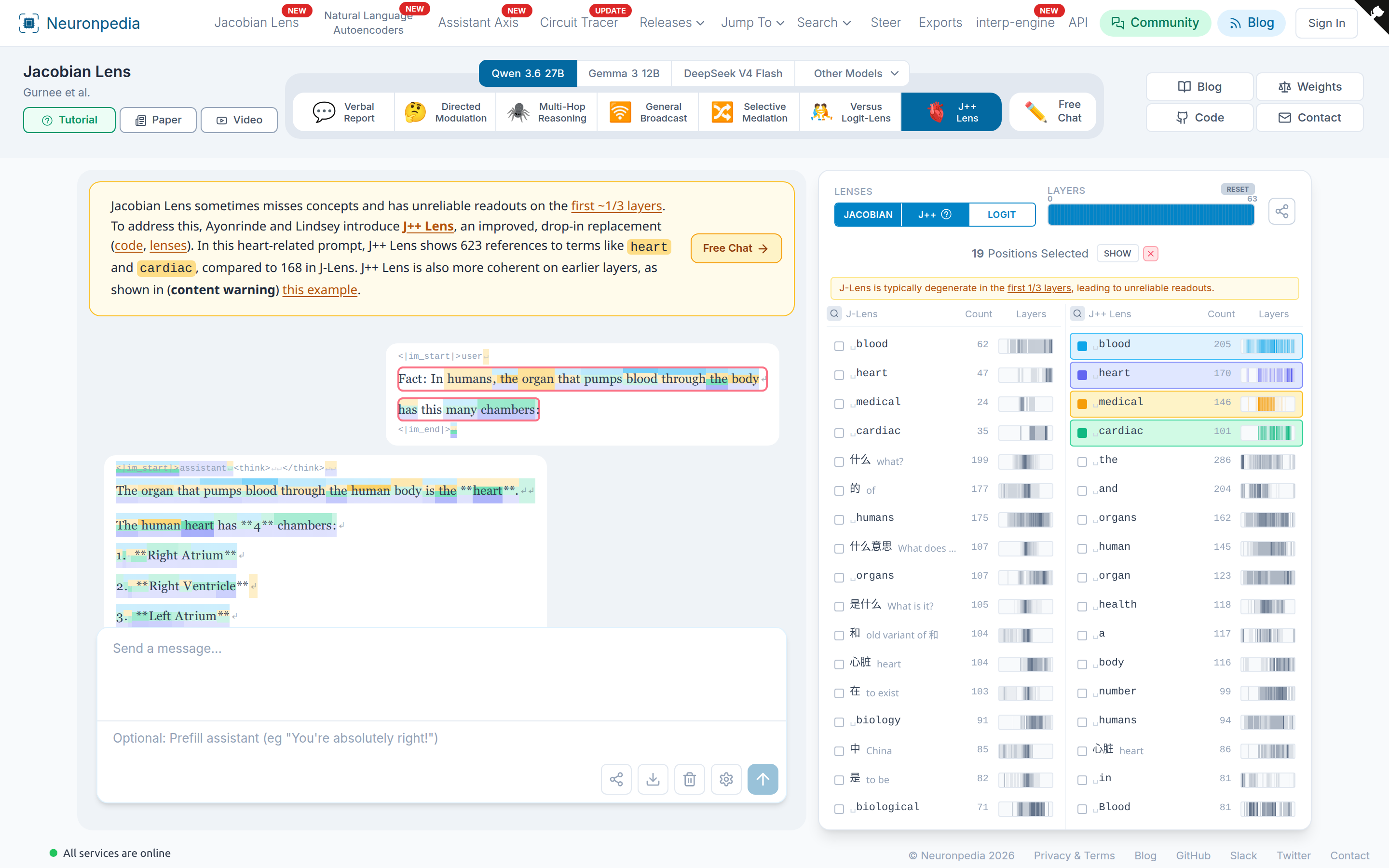
The J-lens sometimes misses concepts and is not reliable on the first ~1/3 of layers. Ayonrinde and Lindsey made the J++ Lens, a drop-in replacement that is better on early layers. Select J++ under Lenses to use it. Models without a J++ lens do not show the option.
Share and Download
Use the buttons under the chat box to share the chat, download the results, clear the chat, or change settings. Use Prefill assistant to start the model's reply with your own text.
Contribute a Lens
We have pre-fitted J-lenses for 36+ models, and the largest is Llama 70B. We accept J-lenses for more models, especially large models and new model families. Use the GitHub repo to fit a lens, then email us.