Auto-Interp
Most features on Neuronpedia have explanations that AI models wrote. We show a feature's top activations to a model, like GPT, Claude, or Gemini, and ask it to explain what the feature is about. This is called automatic interpretability, or auto-interp.
Most public features on Neuronpedia already have explanations. You can also make new explanations, score explanations, and write your own.
Read Explanations
Explanations are at the top left of a feature dashboard. Under each explanation is:
- The explanation type (the method), for example
oai_token-act-pair. Click it to see how the method works. - The AI model that wrote it, for example
gpt-4o-mini. - The score, if it has one. Click it to see the score details.
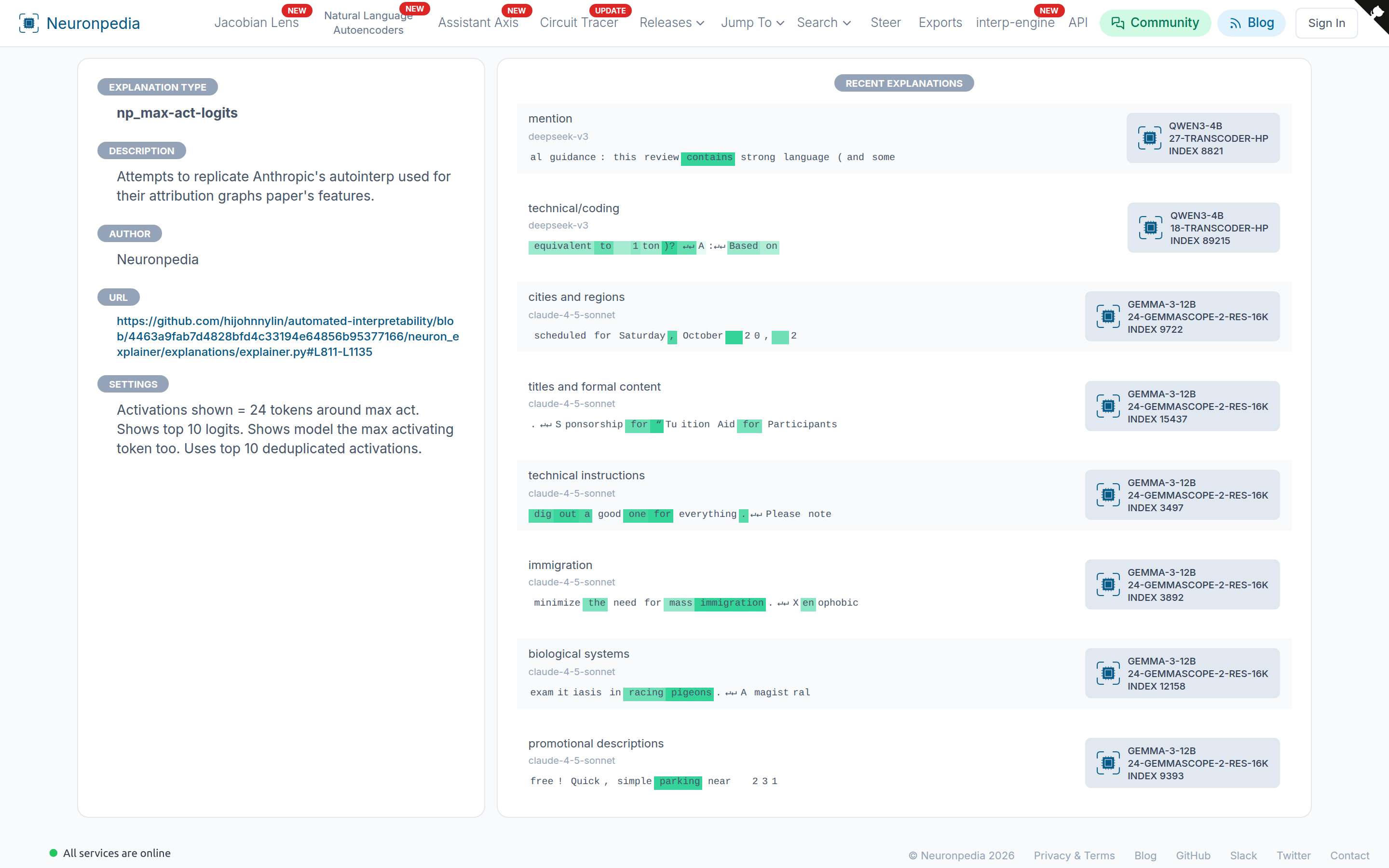
Explanation Types
| Type | How it works |
|---|---|
oai_token-act-pair | From OpenAI. The model sees each token and its activation value. |
np_max-act-logits | Copies the style of Anthropic's auto-interp for attribution graphs. The model sees the text around the top activations, and the top logits. Good for short labels. |
np_max-act | Like np_max-act-logits, without the logits. |
np_acts-logits-general | Used for many large releases. The model sees the top activations and the logits. |
eleuther_acts_top20 | From EleutherAI. Needs an OpenRouter key. |
oai_attention-head | For attention heads. |
| NLA | Uses a Natural Language Autoencoder to explain the feature's vector. Only on supported models and layers. |
Each type has a page at neuronpedia.org/explanation-type/[TYPE], for example np_max-act-logits.
Make a New Explanation
- Sign in, then go to your account and add an API key for OpenAI, Anthropic, Google, or OpenRouter. Neuronpedia uses your key to call the AI model.
- Go to a feature dashboard.
- Under New Auto-Interp, select an explanation type and an AI model.
- Click Generate.
A feature can have only one explanation for each type and AI model.
To use an NLA, click Explain With NLA instead. You do not need an API key for this.
Score an Explanation
A score tells you how well an explanation predicts where a feature fires. Click No Scores (or a score) under an explanation, then select a scoring method.
| Scorer | How it works |
|---|---|
recall_alt | An AI model checks if the explanation matches the feature's top activations, and does not match decoy text. Needs an OpenRouter key. |
eleuther_fuzz | From EleutherAI. An AI model checks if highlighted tokens match the explanation. Needs an OpenRouter key. |
eleuther_recall | From EleutherAI. An AI model checks which texts match the explanation. Needs an OpenRouter key. |
eleuther_embedding | From EleutherAI. Uses text embeddings to compare the explanation with the activating text. |
nla_reconstructor | The NLA's reconstructor changes the explanation into a vector. The score is its cosine similarity with the feature's vector. |
nla_verbalizer | The NLA's verbalizer writes its own explanation of the feature. The score is how similar the two explanations are. nla_verbalizer_last uses only the last paragraph. |
Interpretable Score
The Interpretable Score button tests the feature, not an explanation. It uses intrusion detection (Paulo & Belrose, 2025):
- A judge model sees groups of five texts. Four are the feature's real top activations. One is an "intruder" (a zero or made-up activation).
- The judge tries to find the intruder.
- The score is the percent of groups where the judge was correct.
A high score means that the feature has a clear pattern that is easy to see.
Human Explanations
You can write your own explanation for any feature, and vote for good explanations. Human explanations show the type human.